How to File a DMCA Takedown on Twitch
For streamers and other creators, theft on Twitch usually means rebroadcasts of your streams, re-uploaded VODs and Clips, stolen emotes and overlay art, or a channel restreaming your content live to someone else's audience. Twitch processes copyright complaints under its DMCA Guidelines and asks that most notifications come in through its webform. Here's how to file one that sticks.
Before you start
- Proof of ownership, your original broadcast, video files, artwork, or music, plus links to where it first appeared (your channel, YouTube, or website).
- Links to the channel, each VOD, and each Clip that copied your work, with timestamps for where your content appears inside long videos.
- Your contact details, full name and a monitored email address (you'll need the same address later for any retraction).
- Whether you're the rights owner or an authorized agent, Twitch expects filers to exercise due diligence and consider exceptions like fair use before reporting.
Step 1: Collect links to the channel, VODs, and Clips that copied your work
Copy the channel URL, then the URL of every VOD and Clip that contains your work. For a three-hour VOD that includes ten minutes of your stream, note the timestamps, precise locations speed up review and show you've done your homework. Screenshots or a recording help if you expect the channel to delete evidence.
Step 2: Open Twitch's DMCA Guidelines and its notification webform
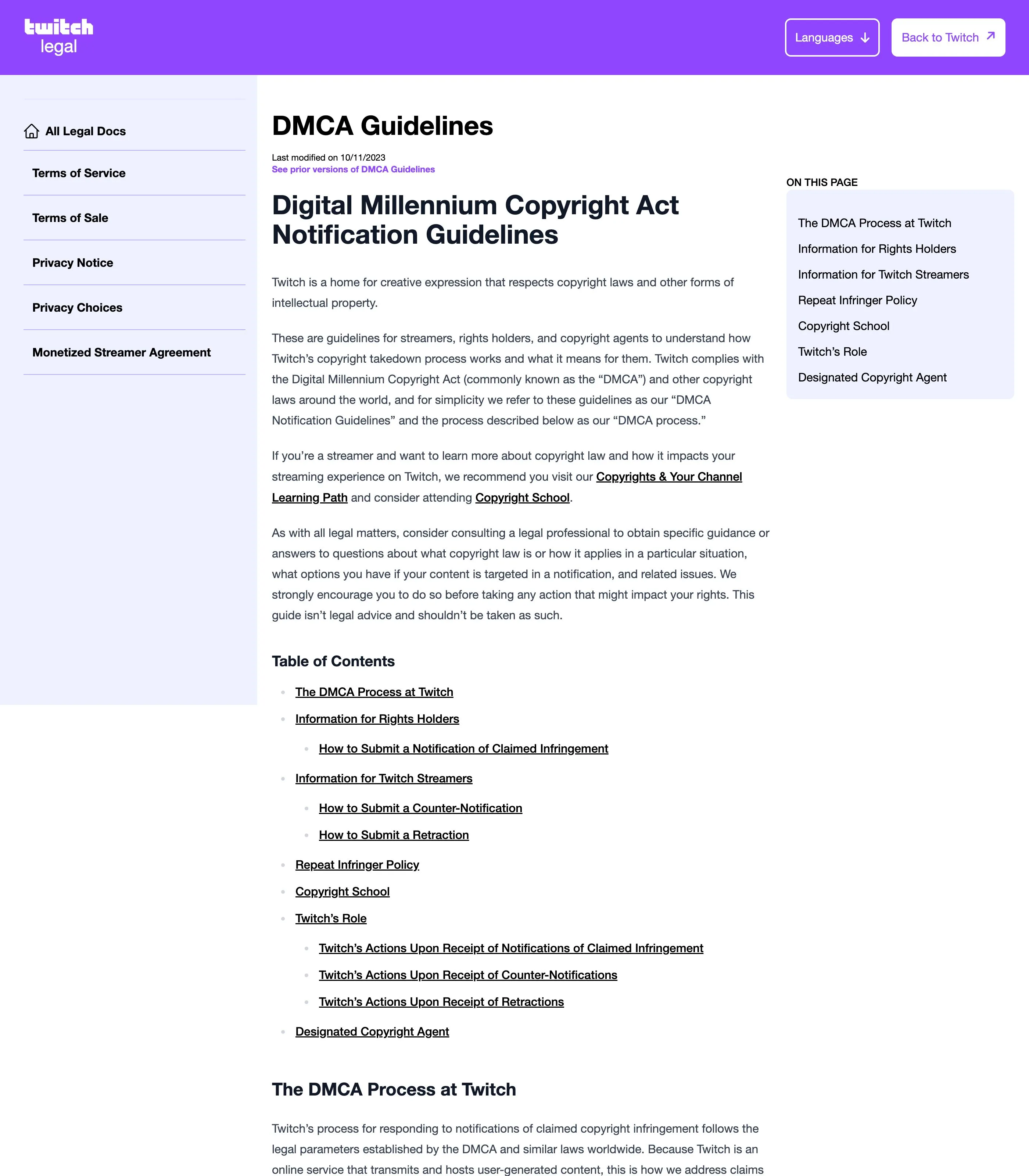
Twitch's DMCA Guidelines (linked above) describe the whole process and link to the webform Twitch prefers for notifications against most types of content. Read the guidelines first: Twitch explicitly warns that notifications must comply with legal requirements and that it takes failures to comply into account.
Step 3: Identify your work and your rights
Describe the copyrighted work that was copied and your relationship to it, owner or authorized agent. Point to the original: your channel, the original broadcast date, or the source files. If the thief mirrored, cropped, or sped up your footage to dodge matching, say so.
Step 4: Specify every stolen item precisely
List each URL you gathered, with timestamps where relevant. Twitch acts on what you identify, so an entry like "this channel restreams me constantly" won't do the job, each VOD and Clip you want removed needs its own line. If a live channel is rebroadcasting you as you file, include the channel URL and say the theft is ongoing.
Step 5: Make the legal statements, sign, and submit
Finish with the DMCA declarations, good-faith belief that the use is unauthorized, accuracy under penalty of perjury, and your authority to act, then sign with your full legal name and submit. Save the confirmation; if you later resolve things with the streamer, you can retract by emailing [email protected] from the same address you filed from.
What happens after you file
Twitch removes the stolen content and records a copyright strike against the channel; repeat infringers get terminated. The streamer is notified and can respond with a counter-notification through [email protected], if they do, Twitch may restore the content after the statutory waiting period unless you inform them you've filed a court action. Rebroadcasters rarely stop at one channel, so check for the same content resurfacing under new names in the weeks after your takedown. If monitoring restreams and refiling notices is turning into a second job, Rulta is a done-for-you DMCA service that tracks down stolen streams and files the paperwork for you.
This guide is educational information, not legal advice.
Need the notice text?Generate a complete DMCA notice for Twitch — free, one minute
Exhibit A — official takedown formhttps://legal.twitch.com/en/legal/dmca-guidelines/
Frequently asked questions
Does my takedown give the streamer a copyright strike?
Yes. Valid DMCA notifications result in strikes against the channel, and Twitch terminates the accounts of repeat infringers, so each report counts.
Can I report a channel that is restreaming my content live right now?
Yes, file immediately with the channel URL and a description of what's being rebroadcast. The live stream may end before action is taken, but the VODs and Clips it leaves behind remain reportable.
Can I withdraw a DMCA notification after filing it?
Yes. Twitch processes retractions emailed to [email protected], but only from the same email address you used to submit the original notification.
Can the streamer fight my takedown?
Yes. Streamers can send a counter-notification (Twitch accepts them at [email protected]), and content may be restored after the statutory waiting period unless you show you've filed a court action.
Does this process cover stolen emotes and overlay art?
Yes. Twitch's DMCA process covers any copyrighted work on the service, streams, VODs, Clips, emotes, channel art, and music alike.