How to File a DMCA Takedown on YouTube
Someone re-uploaded your video, music, or other original content to YouTube, and you want it removed. YouTube runs one of the most established DMCA processes on the web, and its copyright removal webform is the fastest way to get the videos that copied your work taken down. This guide walks through the process as it works in July 2026.
If you would rather hand the whole process off, Rulta is a done-for-you DMCA takedown service whose team files and follows up on takedowns for content creators. Otherwise, here is how to do it yourself.
Before you start
- Proof of ownership: your original upload, project files, or the page where the work first appeared
- The full link to every video that copied your work (
https://www.youtube.com/watch?v=...) - Your legal name, email address, and physical address (some of this is shared with the uploader)
- A Google account to sign in with, any free account works
- A quick fair-use check: if the video is commentary, criticism, or parody, YouTube may ask you to confirm you considered copyright exceptions
Step 1: Read YouTube's official removal request page
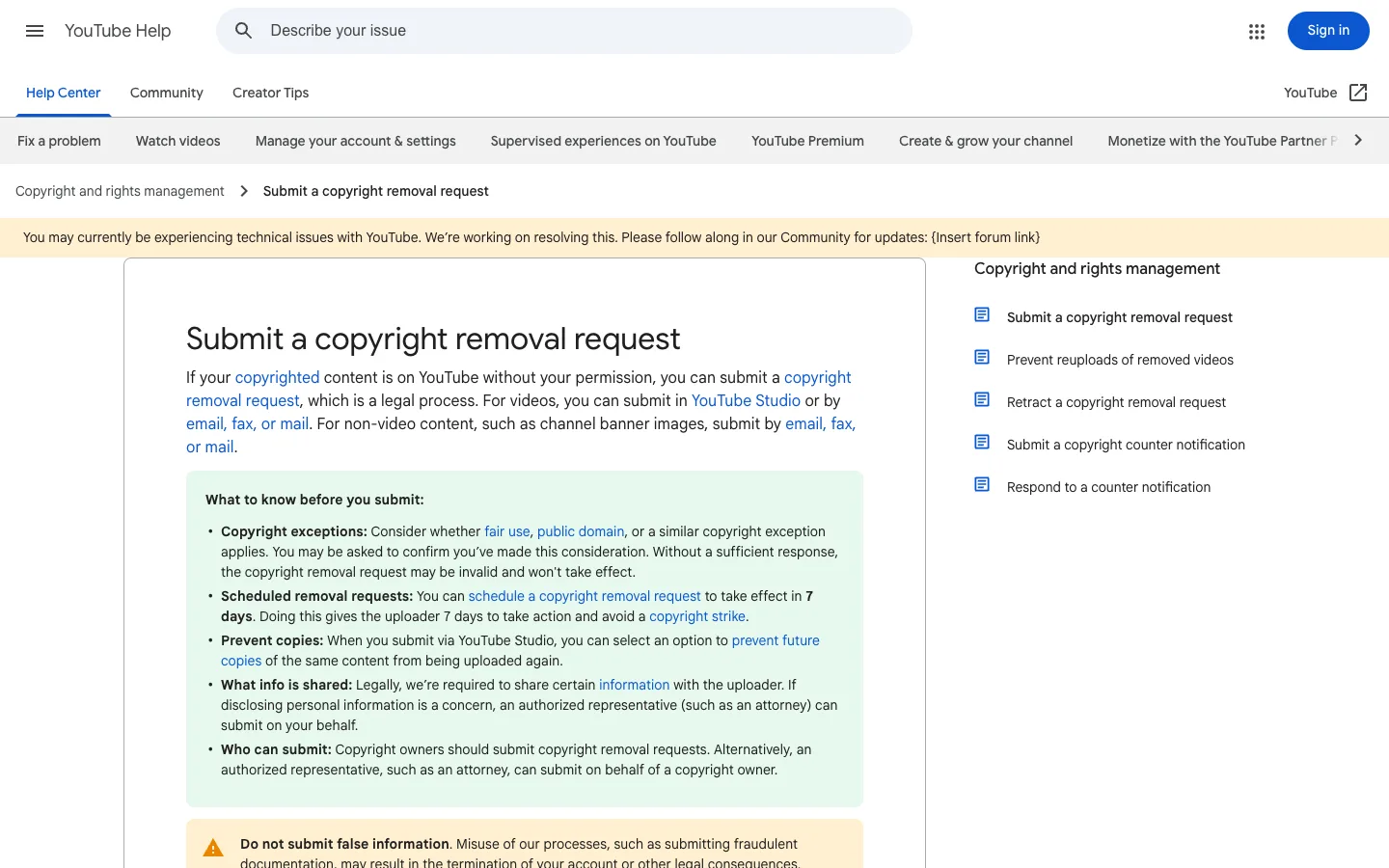
Open https://support.google.com/youtube/answer/2807622, the help page titled "Submit a copyright removal request". It explains your options: for videos, submit in YouTube Studio (the webform route below); for non-video content such as channel banner images, submit by email, fax, or mail. The green "What to know before you submit" box covers copyright exceptions like fair use, scheduling a removal to take effect in 7 days, preventing future copies, what information is shared with the uploader, and who can submit (the copyright owner or an authorized representative such as an attorney).
Step 2: Sign in with a Google account and open the webform
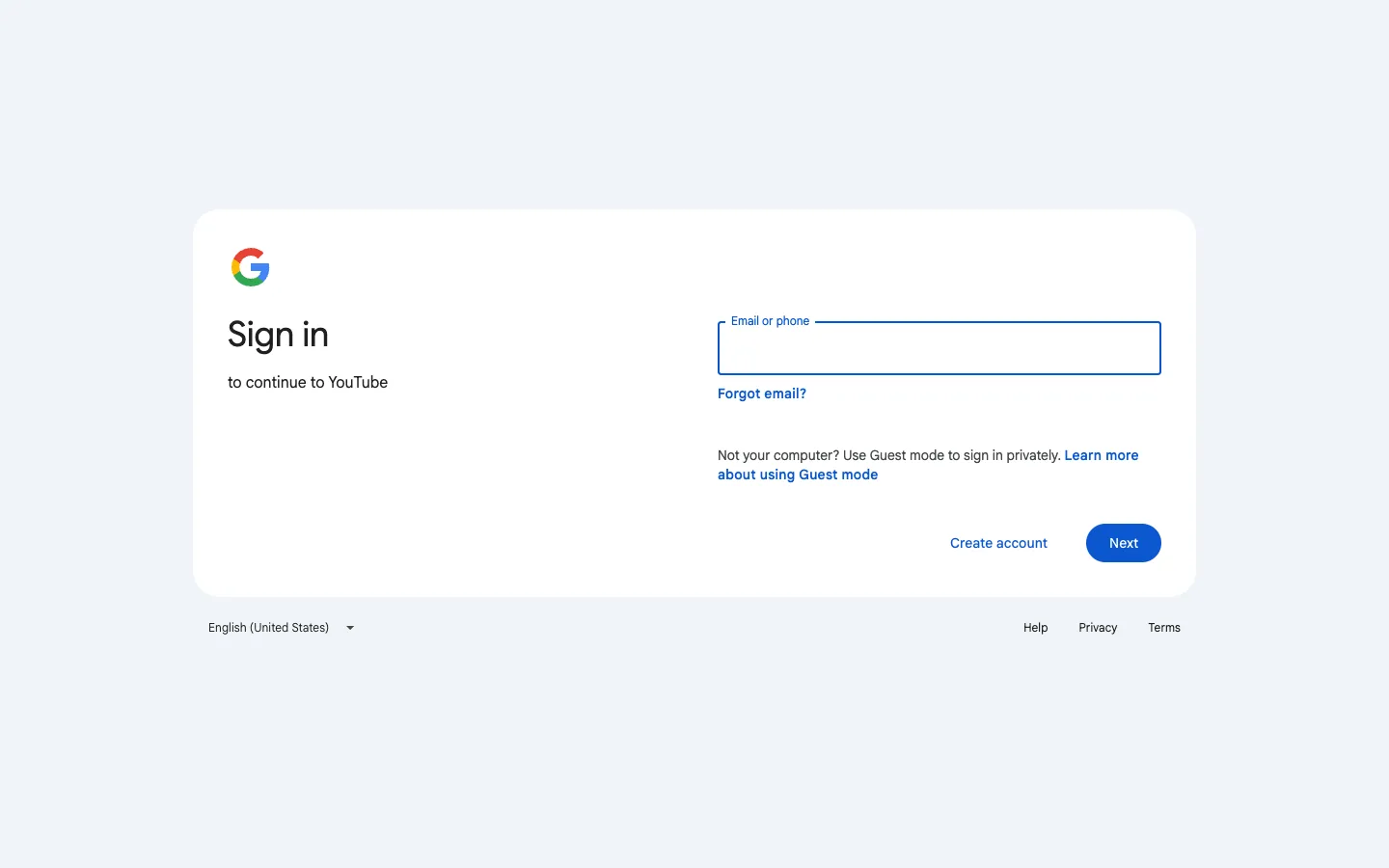
Go to https://www.youtube.com/copyright_complaint_form. You will hit a Google "Sign in to continue to YouTube" gate, enter your email or phone and click Next, or click "Create account" if you do not have one. Any free Google account works; you do not need a channel. Once you are signed in, this old standalone form now sends you into YouTube Studio, and the guided removal wizard in its Copyright section is where you actually complete and file the complaint.
Step 3: Add the links to the videos that copied your work
In the wizard, paste the full link to each video that copied your work. You can list multiple videos in one request. Double-check each link, YouTube removes exactly what you list, and mistakes against the wrong video can backfire on you legally.
Step 4: Describe your copyrighted work
Explain what your original work is and where it lives, a link to your original YouTube upload, your website, or wherever the work was first published. Be specific about what was copied (the whole video, a clip, your audio track), so the reviewer can compare the two quickly.
Step 5: Enter your contact information
Provide your legal name, email, and physical address. YouTube is legally required to share certain information from your notice with the uploader, so if privacy is a concern, an authorized representative (such as an attorney or a takedown service) can file on your behalf.
Step 6: Sign the declarations and submit
Check the required legal statements, that you have a good-faith belief the use is unauthorized, and that the notice is accurate under penalty of perjury, then type your full legal name as your signature and submit. You can also choose here to schedule the removal for 7 days out (giving the uploader a chance to delete it and avoid a strike) and to prevent future copies from being uploaded.
What happens after you file
Complete webform requests are typically processed within a few business days. You can track the request from the Copyright tab in YouTube Studio. A valid removal gives the uploader a copyright strike; three strikes terminate a channel, which is why most uploaders comply quickly.
The uploader can file a counter-notification. If they do, YouTube forwards it to you, and the video may be restored in 10 to 14 business days unless you show evidence that you have filed a court action. If your webform request stalls, follow up by email at [email protected] or by postal mail, and as a fallback you can ask Google to remove the video from its search results so it stops appearing there.
This guide is educational information, not legal advice.
Need the notice text?Generate a complete DMCA notice for YouTube — free, one minute
Exhibit A — official takedown formhttps://support.google.com/youtube/answer/2807622
Frequently asked questions
Do I need a YouTube or Google account to file a DMCA takedown?
The webform requires signing in with a Google account, but any free account works. Without an account you can still file by email ([email protected]) or postal mail.
How fast does YouTube remove videos after a valid notice?
The webform is the fastest route. Complete, valid requests are typically processed within a few business days.
Does the uploader get a copyright strike?
Yes. A valid removal gives the uploader a copyright strike, and three strikes can terminate their channel.
What is a scheduled removal request?
You can schedule a request to take effect in 7 days. That gives the uploader a week to delete the video themselves and avoid a copyright strike.
What happens if the uploader files a counter-notification?
YouTube forwards it to you, and the video can be restored in 10 to 14 business days unless you show evidence that you have filed a court action.
Can I stop the same video from being re-uploaded?
Yes. When you file through YouTube Studio you can select an option to prevent future copies of the removed content from being uploaded again.